
Workzig Screen Recorder is a small Windows app for screenshots, screen recordings and quick edits — so you can show what you mean, and the person on the other side gets it the first time.
DOWNLOAD FOR WINDOWS ↗
Free for 12 months · Windows 10 and 11 · Your captures stay on your PC
Scroll down
03 / What it is
Workzig Screen Recorder is a small Windows app that turns whatever is on your screen into something you can send in seconds.
Grab a screenshot, record a video with your voice and camera, mark it up, and save it in the format the other person needs.
Screenshot
Drag, click a window, or press F
Ctrl
+
Shift
+
S
Record
Your screen, voice and camera
Ctrl
+
Shift
+
R
Share
PNG, MP4, PDF and 20+ more
PNG
MP4
A short tour
See Workzig Screen Recorder in five steps
04 / Why it exists
Explaining shouldn’t take longer than the problem itself

Typing out where to click, what went wrong or how something should look takes ages — and still gets misread. A picture with an arrow on it, or a short video with your voice, does it in one go.
Workzig Screen Recorder keeps that whole job in one small floating bar, so it takes seconds instead of minutes.
Months free for everyone
File formats to save in
Highest video quality
05 / How it works
One bar between your screen and everyone you explain things to
Press Ctrl+Shift+S or Ctrl+Shift+R, drag over what matters and Workzig Screen Recorder does the rest: it saves a clean copy, opens the editor and keeps everything in your Library.
From there it goes out as an image, a video, an audio clip or a document — whatever the other person can open.
01
Capture in one keystroke
Ctrl+Shift+S for a screenshot, Ctrl+Shift+R to record. Drag over exactly what matters — even the taskbar.
02
Explain with marks, not words
Boxes, arrows, a soft highlighter and text that stay editable after you save.
03
Send it in any format
PNG, JPG, PDF, Word or Excel; MP4, MKV or WebM up to 4K; MP3 for the sound.
Three steps
From shortcut to sent
Step 1 — Press the shortcut
Ctrl+Shift+S for a screenshot, Ctrl+Shift+R to record. Drag over exactly what matters — even the taskbar.
Step 2 — Point at the thing
Add rectangles, arrows, a highlighter or text. Saved screenshots stay editable, so you can change them later.
Step 3 — Send it
Download in the format the other person can open — PDF, Word, Excel, MP4 and more.
06 / Why people pick it up
Reason 1
A bug nobody can reproduce
Record it once with your voice explaining what you clicked. No more back-and-forth asking for steps.
Reason 2
Feedback that keeps getting misread
Put a box and an arrow exactly where the problem is. The other person sees it instead of guessing.
Reason 3
The same question, again
Record the answer once, keep it in your Library and send the same clip every time it comes up.
Before you download
The questions people ask first
07 / Who it’s for
Workzig Screen Recorder is for anyone who explains things on a screen — so the person on the other side gets it the first time.

Bug reports
For developers

Lessons
For teachers

Customer replies
For support teams

Design feedback
For designers

Team updates
For remote teams
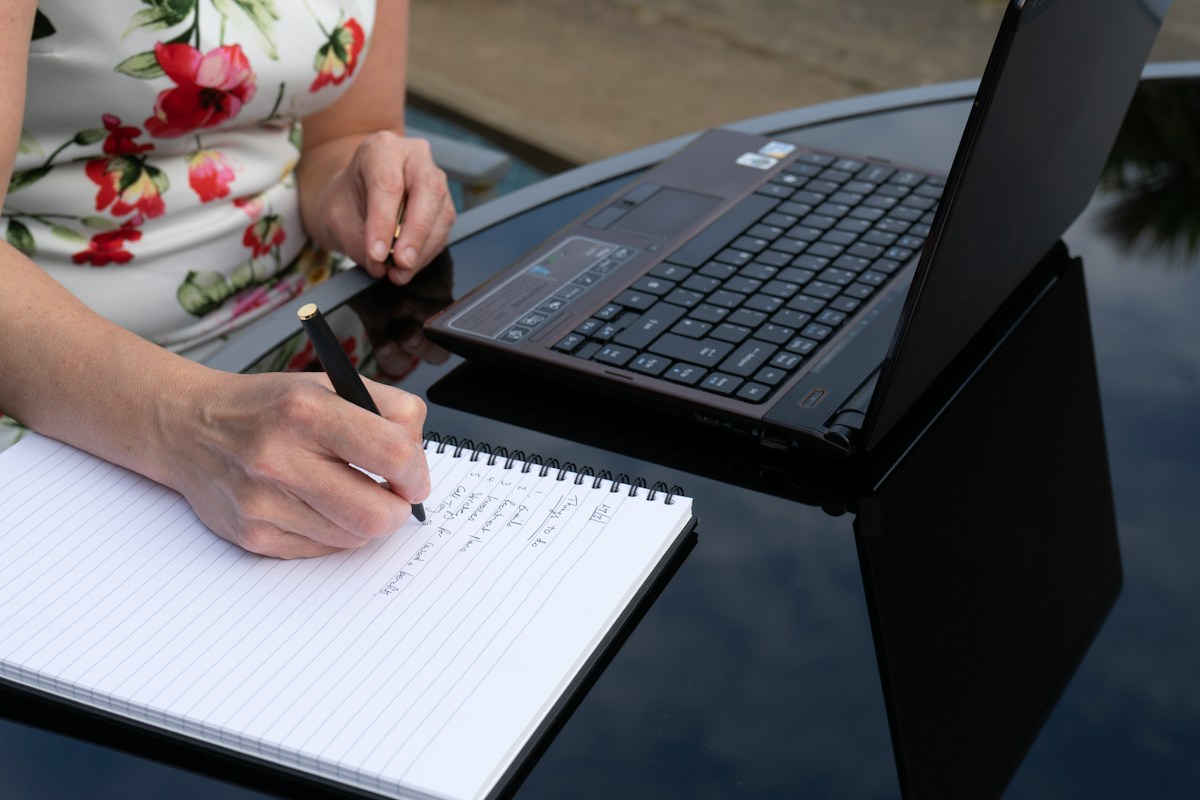
How-to guides
For operations teams
08 / In practice
What it looks like on a normal day
Record the bug once. Nobody has to ask “can you reproduce it?” again.
Bug reports

One screenshot with two arrows replaces a paragraph of directions.
Support replies

A five-minute walkthrough with your face in the corner, ready before the meeting ends.
Team updates
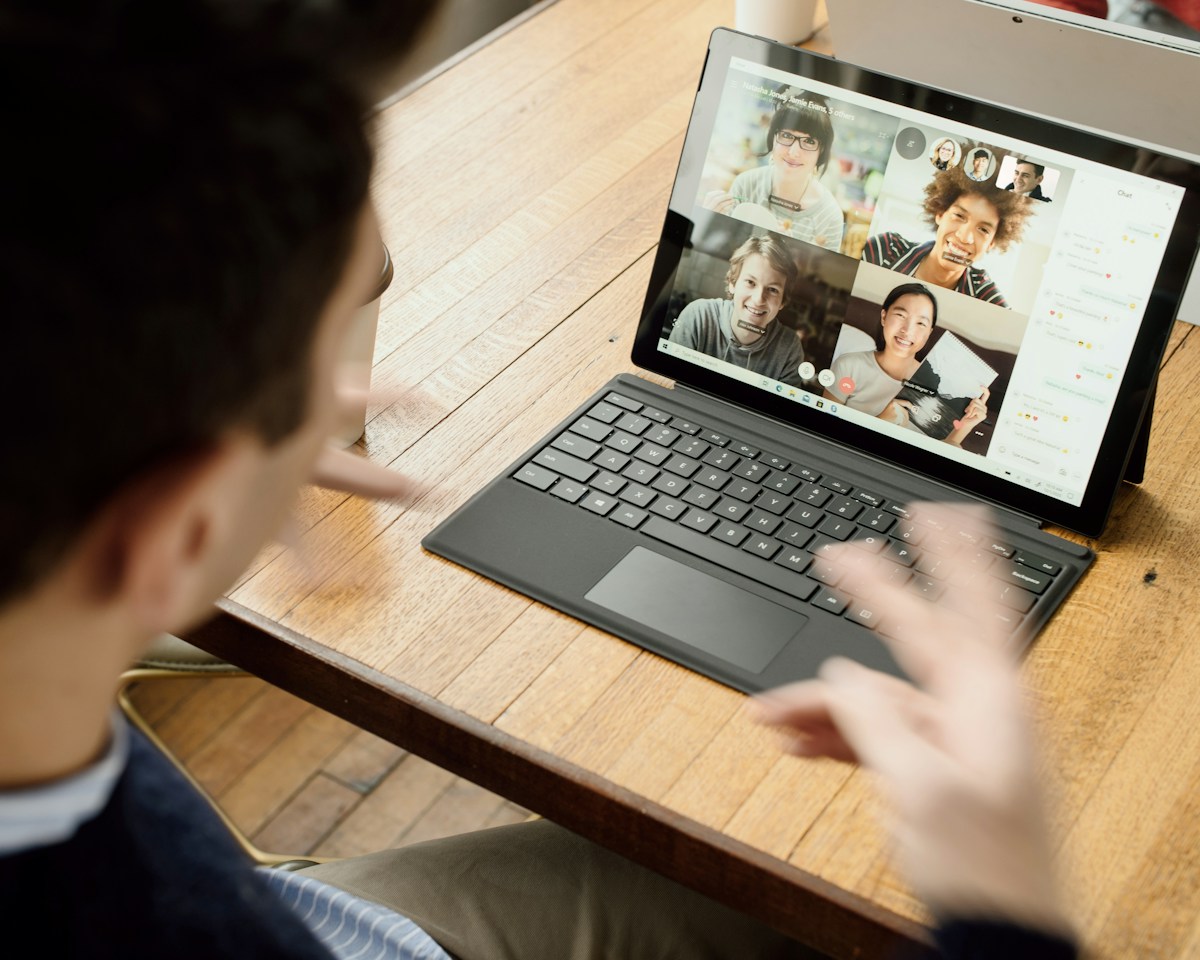
Show it once. Done.
Workzig Screen Recorder grabs your screen, lets you point at the thing, and hands it over in a format anyone can open — so explaining takes seconds, not a meeting.
Free for 12 months · Windows 10 and 11